Keep the prompts
Git AI saves every prompt and links it to each line the generated code.
Coding Agents are making it easier to ship our backlogs and as a result our codebases have been growing faster than ever. Often I find myself looking at some code I've never seen before and wondering "what is this for" or "why is this done that way"? Sometimes, I must confess, I am the one who committed that code.
6,314. That's how many prompts were used to generate the open source Git AI project. That is a lot of context, explicit requirments, and intent. It would be a shame if we threw all that context away when we were done with it, but that is what everyone is doing today.
git-ai blame teases you with this context. You can see if a line was generated by an AI or written by a human developer, but there's never been enough space in the terminal to show the full prompt.
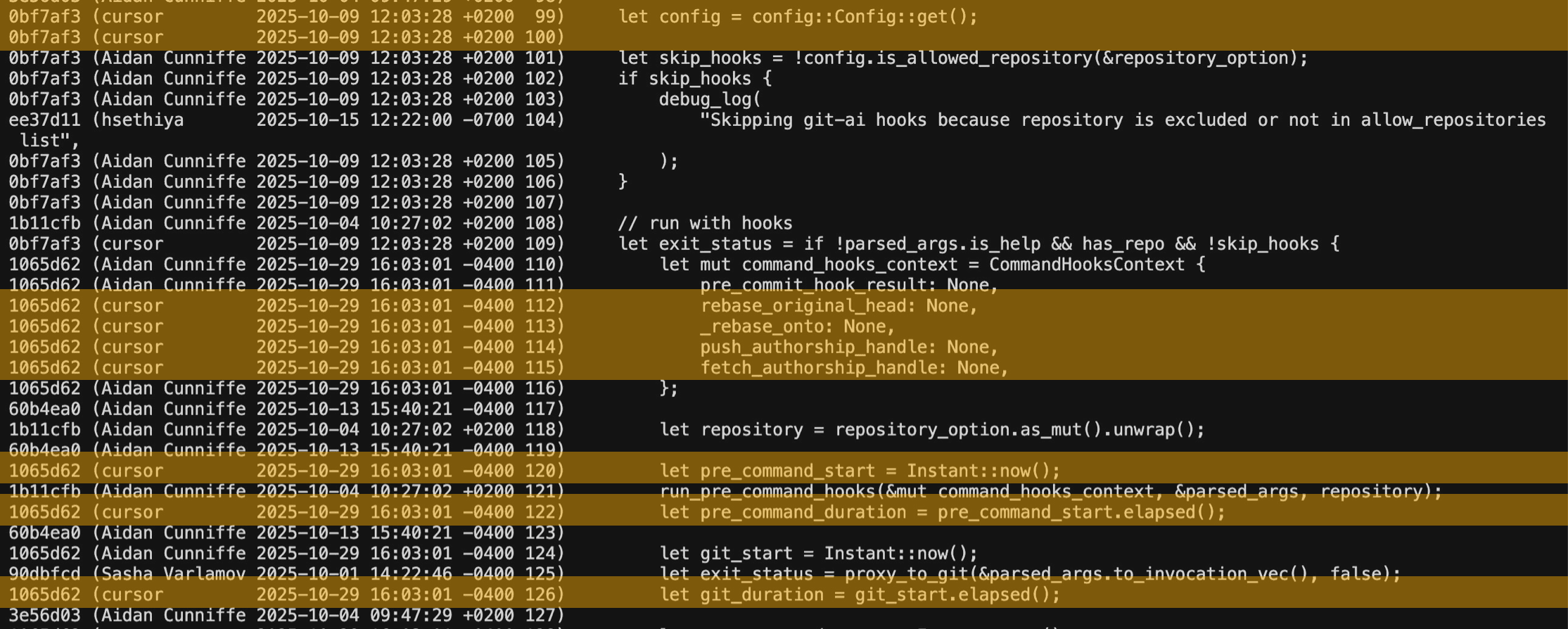
Blame Plugin for VSCode Editors
Starting today the Git AI VSCode extension (also works in Cursor, Windsurf, Antigravity, and other VSCode forks) shows you the AI-blame and the prompt for each line in your codebase.
For example, when I came across this code I was pretty curious why we weren't just using a static list of colors, at first glance the rebuildColorDefinitions function seemed like overkill.
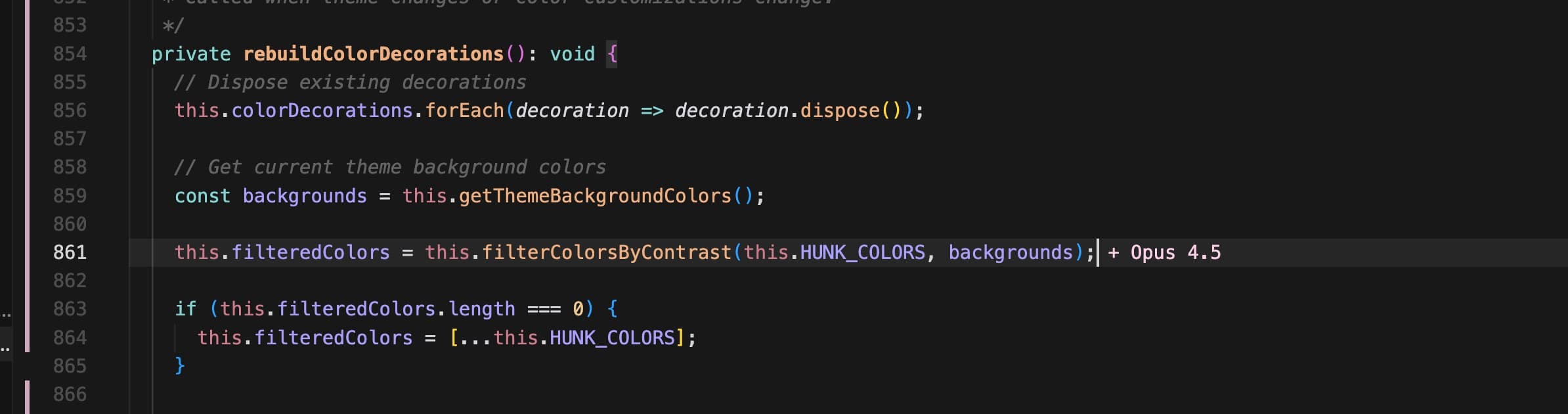
However when I went to read the prompt I quickly remembered what this code was for: since users can theme their IDEs, we need to make sure the colors we assign to each decoration are readable against whatever color the background is.
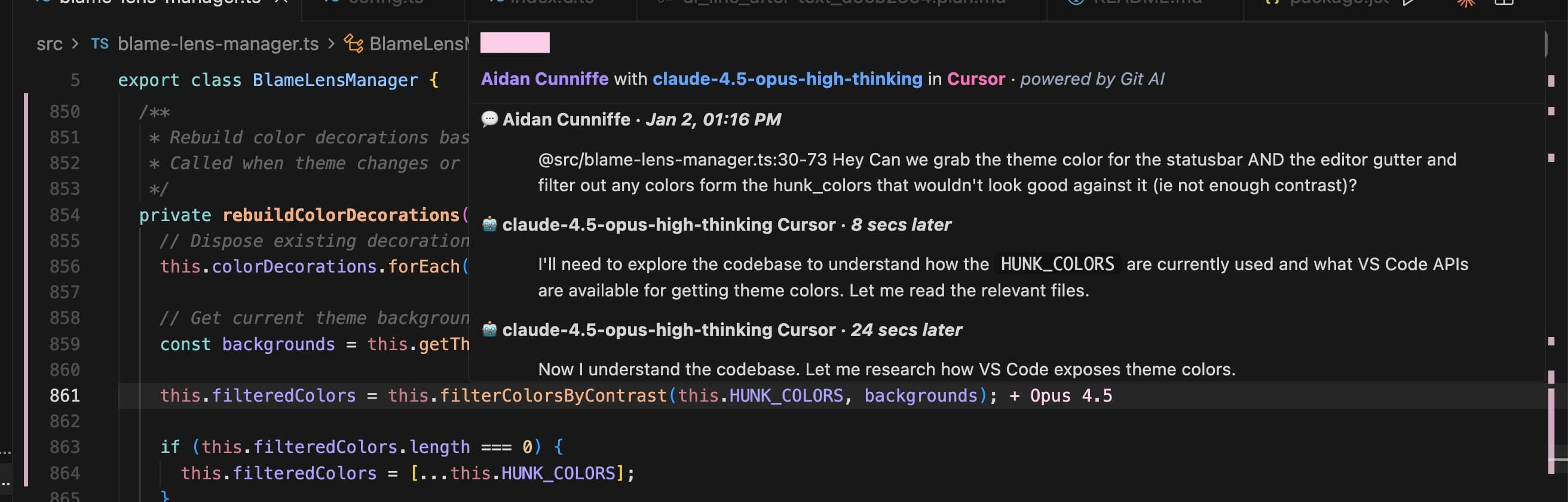
I've also found this useful when reviewing PRs from contributors. When they're building a feature, their intent (prompts) are captured and included in the PR. This line in particular (building an authenticated git url instead of just using the remote URL) seemed weird to me at first, but it makes sense now that I've read the prompt and the back and fourth Zach had with the agent:
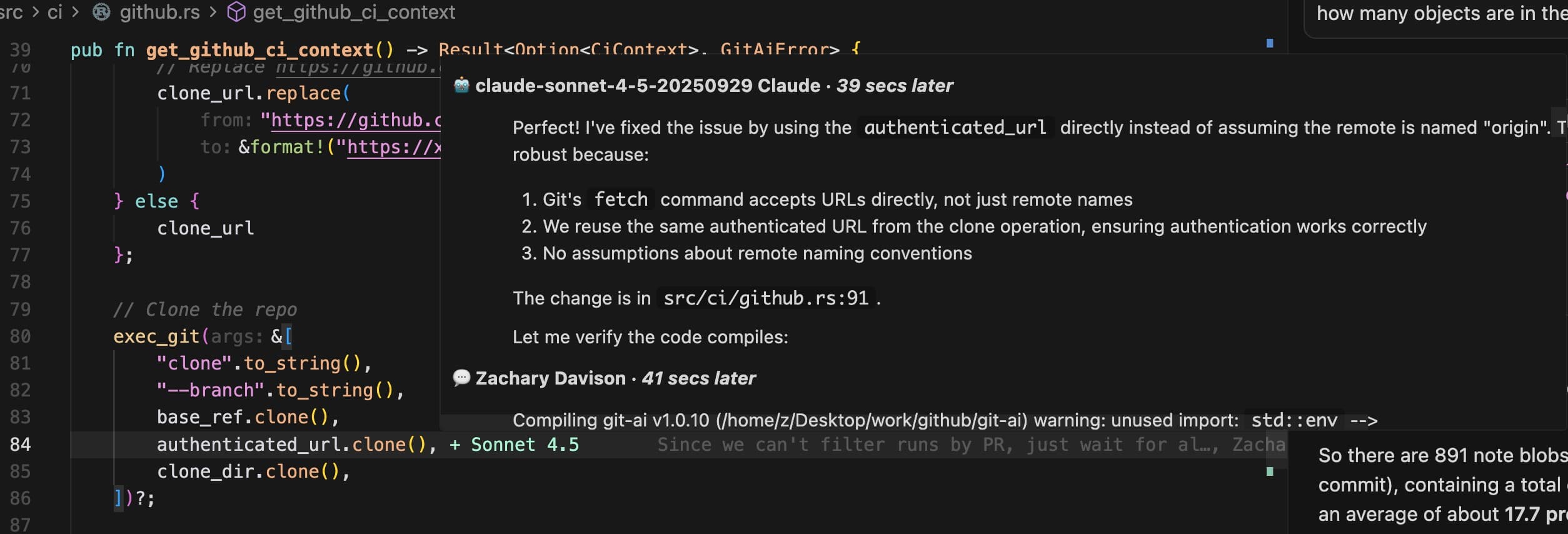
Git AI is probably one of the most prompt-annotated codebases in the world since we've been saving prompts since day 1 and it's pretty amazing to see how some prompts fan-out and change other across many files in a repo. When I'm reading code I like seeing how a mix all the prompts have layered on top of each other as the codebase evolved.

Getting Started
If this looks useful to you, you just need to install Git AI and get your teammates to use it too. It's a one-liner to install Git AI and once you do every prompt will be saved, linked to specific lines of code, and will be visible in any VSCode compatible editor.
Mac, Linux, Windows (WSL)
curl -sSL https://usegitai.com/install.sh | bashWindows (non-WSL)
powershell -NoProfile -ExecutionPolicy Bypass -Command "irm http://usegitai.com/install.ps1 | iex"Turn on Prompt-Storage
Enable prompt-storage to save the prompts in the Git AI's git notes.
git-ai config set prompt_storage notesWant to chat about how Git AI can help your team? Schedule a call with the maintainers.